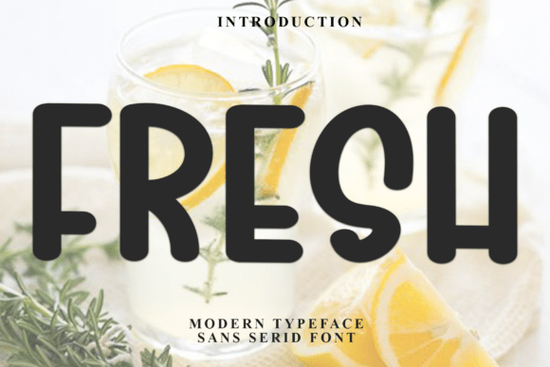
When you need a typeface that feels like a warm cup of cocoa and a crackling fireplace, the Fresh Font is a reliable choice for your seasonal projects. This festive display typeface brings a cheerful, nostalgic vibe to holiday designs without looking overly complicated. It works exceptionally well for crafters making physical goods, print-on-demand sellers creating seasonal apparel, and small businesses designing end-of-year promotional materials. The letterforms include decorative swashes and whimsical ligatures that give your text a hand-lettered, merry appearance.
What projects work best with a festive display typeface?
Display fonts with decorative elements shine when used sparingly for headlines, logos, or short phrases. Because the letterforms have a lot of personality, they are ideal for specific seasonal applications:
- Greeting cards and invitations: The whimsical flair makes holiday party invites feel personal and welcoming to your guests.
- Gift tags and packaging: Print-on-demand sellers can use this style to create custom tags that stand out on a crowded retail shelf.
- Social media graphics: Small businesses can highlight seasonal sales, gift guides, or winter announcements with eye-catching typography.
If you are designing a children's holiday book and need something slightly more playful to pair with it, you might also look at a storybook style typeface for your body text to keep the reading experience smooth and accessible for younger readers.
How do you access the special swashes and ligatures?
One of the most practical features of this typeface is that it is PUA encoded. This means you do not need expensive design software to access the extra glyphs, swashes, and ligatures. If you are using basic programs like Cricut Design Space, Silhouette Studio, or even standard word processors, you can easily open your computer's character map to copy and paste the decorative elements directly into your canvas.
For crafters using vinyl cutters, accessing these extra glyphs means you can add unique flourishes to custom mugs or wooden signs without having to manually draw the curves yourself. Simply find the glyph you like in the character map, copy it, and paste it right next to your standard text.
Which typefaces pair well with decorative holiday lettering?
When working with highly decorative lettering, your secondary font should be clean and easy to read. This creates a visual balance that prevents your design from looking cluttered. Small businesses creating end-of-year email newsletters need to ensure their promotional codes and shipping deadlines are perfectly legible, which is why choosing the right secondary typeface is just as important as the main header.
For a modern, clean contrast, a minimalist sans-serif typeface works beautifully for the smaller details like dates, times, and physical addresses. If you want a slightly more relaxed but still legible vibe, a casual handwritten style can complement the festive headers without competing for attention.
For promotional merchandise where readability is key, pairing your holiday header with a bold, highly legible phrase typeface ensures your sale details are instantly readable from a distance. Alternatively, if your project leans toward a more elegant, traditional winter aesthetic, a classic serif option provides a sophisticated foundation for your layout.
What should you check before sending your design to print?
Before you finalize your holiday greeting cards or print-on-demand t-shirts, run through a quick quality check to ensure your typography looks professional and prints correctly.
- Outline your text: Always convert your text to outlines or paths before sending files to a commercial printer. This prevents missing font errors on their end.
- Check the kerning: Decorative fonts sometimes have awkward spacing between specific letter combinations. Manually adjust the kerning if two letters look too far apart or uncomfortably close.
- Adjust for vinyl weeding: If you are cutting this design out of adhesive vinyl, pay close attention to the thin decorative tails. You may need to slightly thicken the strokes in your software so the design doesn't tear during the weeding process.
- Test the contrast: Make sure your festive text stands out clearly against the background. If you are printing on dark fabric, use a light-colored text and avoid overly thin swashes that might get lost in the weave.
Next Steps for Your Holiday Projects
Start by sketching out your layout on paper before opening your design software. Decide exactly where your decorative headers will go and leave plenty of negative space around them. Once you have a clear plan, open your character map, test a few different ligature combinations, and finalize your seasonal designs.
Download Now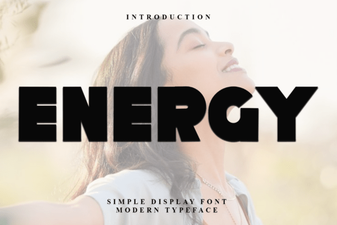 Creative Project Ideas Using Energy Font
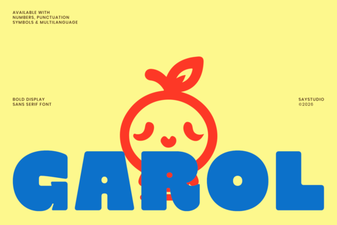 The Garol Font: Creative Uses for Your Design Projects
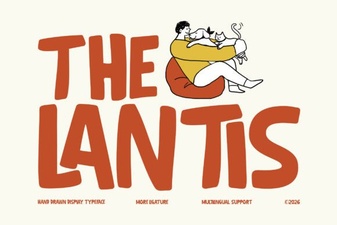 A Modern Typographic Style Guide
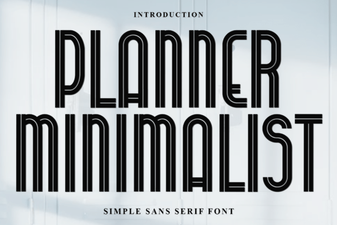 Minimalist Fonts for Clean Planner Designs
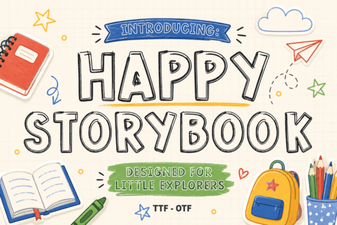 Happy Storybook Font: Create Playful & Readable Designs
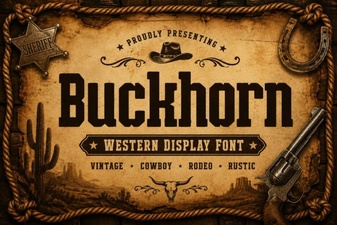 Craft Projects with Buckhorn Font's Western Charm