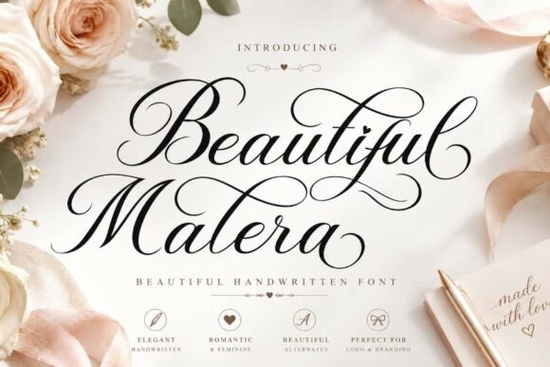
Finding the right typography for a romantic or high-end project usually comes down to balancing readability with personality. When you need a touch of femininity and artistic charm, the Beautiful Malera Font offers a versatile starting point. It is an elegant handwritten typeface built with graceful curves and refined letterforms. Whether you are designing wedding stationery, creating a boutique logo, or setting up social media graphics, this script brings timeless sophistication to the layout without looking overly complicated.
What makes a script typeface work for wedding and luxury branding?
When clients ask for a luxury or romantic feel, they usually want typography that mimics high-end calligraphy. Hand-drawn lettering works well here because it feels personal. The Beautiful Malera typeface includes stylish alternates and swashes that allow you to customize the ends of your words. This is incredibly useful for logo design, where you want the brand name to look like a custom signature rather than typed text.
For wedding invitations, these extra flourishes help frame the names of the couple, drawing the eye directly to the most important information. The graceful curves keep the overall mood soft and inviting. Just remember to use these decorative alternates sparingly so the text remains easy to read.
How do you apply handwritten lettering to print-on-demand products?
Print-on-demand sellers and crafters often use script fonts for apparel, mugs, and tote bags. The trick with any handwritten style is ensuring it prints clearly on physical products. Because this typeface features clean connections between letters, it scales down quite well for smaller items like clothing tags or cosmetic packaging.
If you are designing a t-shirt graphic, try pairing the script with a simple, clean sans-serif font for the secondary text. Use the elegant script for the main quote, and a basic block font for the date or location. This contrast stops the design from looking messy and ensures customers can read the shirt from a distance.
Which other typefaces pair well with romantic scripts?
Building a cohesive brand kit or invitation suite often requires mixing different font styles. If your main heading uses a delicate script, your body text and secondary elements need to complement it without competing for attention.
Sometimes, a single font family is not enough for a diverse product line. If you want a bolder, more playful vibe for a children's brand, you might look into the thick and playful lettering options available in the catalog. If you are designing for a summer collection, checking out the bright and cheerful script styles can give your layouts an optimistic twist.
For seasonal projects like birthday bashes, the festive parade-style typography works wonderfully for party invitations. And if you want to browse more variations of this specific elegant style, you can explore the full collection of refined script fonts to see what fits your layout best.
What should you check before finalizing your design?
Before you send your file to the printer or publish it online, run through a quick quality check to make sure your typography is doing its job.
- Check the kerning: Script fonts often need manual spacing adjustments, especially around capital letters and alternate swashes.
- Test the readability: Print a test page or view the design on a mobile screen to ensure the delicate curves do not disappear at smaller sizes.
- Limit your font count: Stick to one script font and one or two simple sans-serif or serif fonts per project to keep the design clean.
- Mind the background contrast: Thin, elegant letterforms need high contrast to stand out. Avoid placing delicate scripts over busy photographs without a solid backing or overlay.
Taking a few extra minutes to adjust the spacing and test your layouts will ensure your final product looks professional. Open your design software, load up the font, and start experimenting with the alternate characters to see which combinations work best.
Explore Design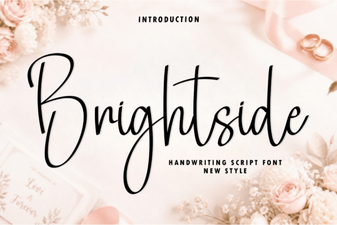 Brightside Font for Creative Projects and Design
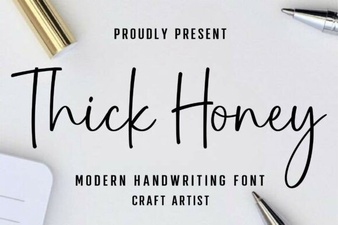 Thick Honey Font Design Styles and Download Guide
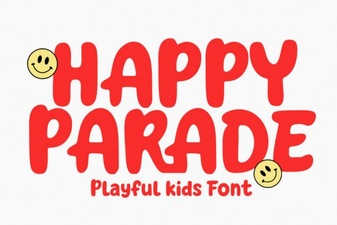 Happy Parade Font: Design Ideas & Creative Uses
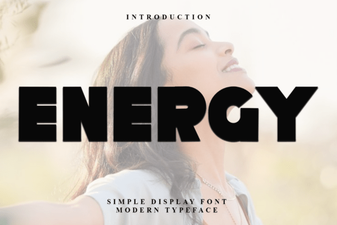 Creative Project Ideas Using Energy Font
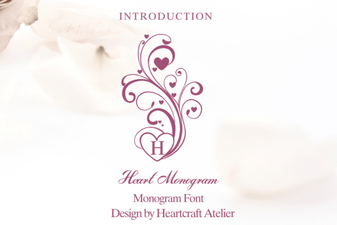 Sweetheart Monograms: Fonts for Custom Gifts
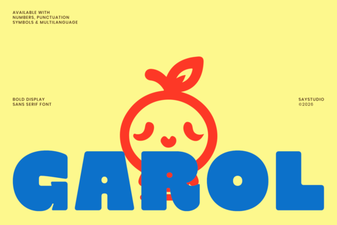 The Garol Font: Creative Uses for Your Design Projects