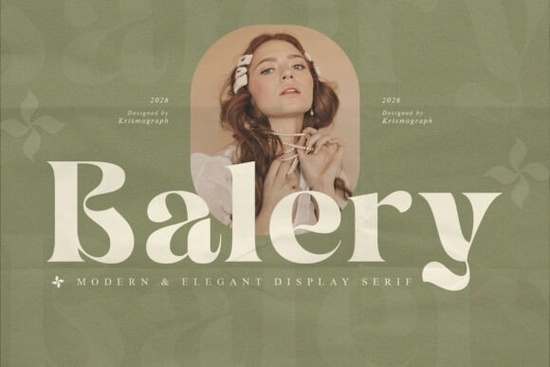
Finding the right typography for a luxury brand or elegant wedding invitation can be tricky. You need something that feels refined without looking outdated. The Balery Font solves this by offering a modern display serif with graceful curves and high contrast. It gives off a feminine, sophisticated vibe that works beautifully for boutique logos and premium packaging. You can browse the full collection of elegant serifs to see how it compares to other modern styles.
What makes a display serif work for luxury branding?
When small businesses and designers build a premium identity, the typeface carries a lot of the visual weight. A high-contrast style, where the thick and thin lines vary dramatically, naturally draws the eye. This specific typeface uses refined proportions to keep the letters readable even at larger sizes. If you are working on a cosmetics line or a high-end bakery, this kind of elegant serif style instantly communicates quality. Sometimes, you might want a slightly different mood, which is why exploring other classic serif options can help you compare weights and find the exact fit for your layout.
Where should you use high-contrast serif typefaces?
Print-on-demand sellers and crafters often wonder which projects actually benefit from these delicate letterforms. Because the thin strokes can get lost on rough textures, this font shines best on smooth, premium materials.
- Website headers: Use it for the main hero text to grab attention.
- Wedding invitations: The stylish alternates add a personal, handwritten touch to formal stationery.
- Product packaging: It looks striking on rigid boxes, glass bottles, and minimalist labels.
- Social media graphics: Pair it with a clean sans-serif for readable but stylish Instagram quotes.
If your project requires a more rugged or vintage look for things like distressed t-shirts or wooden signs, you might want to look into a weathered typeface alternative instead to ensure the details hold up on textured backgrounds.
How do you pair elegant serifs with other typography?
Mixing fonts is a common hurdle for creative hobbyists. The general rule is to let the display serif be the star of the show. Use it strictly for headlines, logos, and short quotes. For your body copy, stick to a simple, highly readable sans-serif or a very subtle monoline script.
If you feel the main font is too formal for a specific campaign, you can test a more playful serif variation to see if it better matches your brand's casual voice. Alternatively, if you need something with a slightly heavier, more grounded feel for a winter collection, checking out a bolder typographic choice might give your seasonal designs the right amount of visual warmth.
What technical features do you need for global projects?
When designing for international clients or creating multilingual packaging, basic character sets are rarely enough. This font includes multilingual support, ensuring your accents and special characters render correctly across different languages. It also comes with ligatures and stylistic alternates. These extra glyphs allow you to customize the connections between letters, making a standard wordmark look custom-drawn. You can learn more about advanced typographic features and how professional foundries structure their OpenType files to get the most out of these alternates.
How do you install and manage the font files?
The download includes both OTF and TTF formats. OTF (OpenType) is generally preferred for designers using Adobe Illustrator or InDesign because it handles the ligatures and alternates much smoother. TTF (TrueType) is perfectly fine for basic word processing or simpler crafting software like Cricut Design Space. Make sure you install both if you switch between professional design software and home crafting tools frequently.
If you are using a Mac, you can use Font Book to manage your library, while Windows users can rely on the built-in Fonts settings. Keeping your workspace organized prevents software lag when you have hundreds of typefaces installed.
Final design checklist
Before you finalize your next design project, run through this quick typography checklist:
- Check the tracking (letter spacing) on your main headline to ensure the thin strokes don't overlap awkwardly.
- Test the logo on both light and dark backgrounds to verify the contrast holds up.
- Review the alternate characters in your design software's glyph panel to see if a swash or ligature improves the wordmark.
- Confirm your software supports OpenType features before trying to apply stylistic sets.
Taking these small steps ensures your final layout looks polished and professional.
Learn More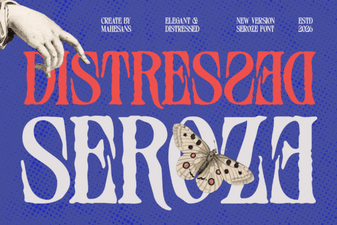 Distressed Seroze Font for Rustic Design Projects
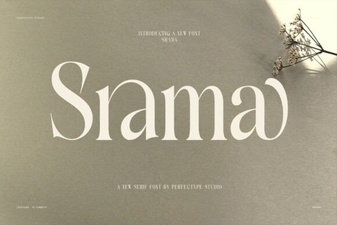 Srama Font Designs & Project Ideas
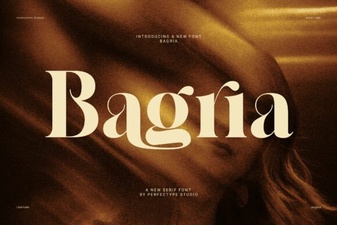 Bagria Font: Versatile Design for Modern Projects
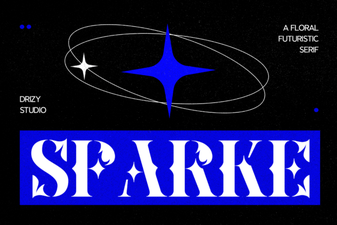 Sparke Font: a Creative Typeface for Modern Design
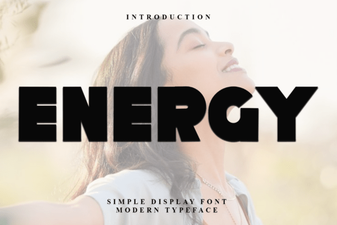 Creative Project Ideas Using Energy Font
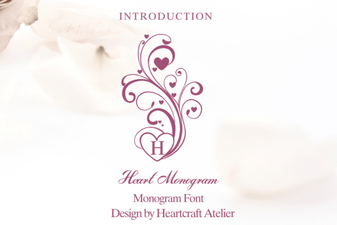 Sweetheart Monograms: Fonts for Custom Gifts