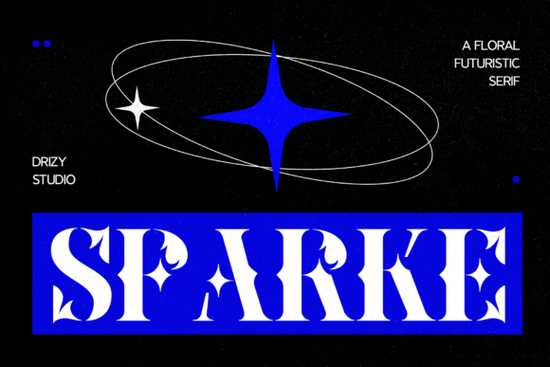
Finding the right typeface for a luxury or nature-inspired project often means choosing between classic elegance and a modern edge. The Sparke Font solves this by combining delicate botanical details with a sleek, futuristic serif structure. It gives small businesses, crafters, and print-on-demand sellers a distinct look without relying on overused scripts.
What makes a floral futuristic serif work for branding?
When you mix organic shapes with sharp, geometric lines, you create a visual tension that catches the eye. The subtle floral elements in this typeface keep the design grounded and approachable. At the same time, the refined serif structures give it a forward-thinking, professional feel. This balance is highly effective for brands that want to appear both natural and innovative.
Designers often struggle to find a typeface that bridges the gap between organic warmth and modern precision. This specific blend allows you to achieve both without compromising readability. For example, a skincare line focusing on scientific formulations with organic ingredients can use this font to communicate both aspects of their identity. The botanical touches hint at the natural ingredients, while the clean, modern serifs suggest clinical effectiveness and high-end quality.
How do you pair this typeface with other fonts?
Pairing a highly stylized font requires careful selection to avoid cluttering your design. Because the letterforms already have a lot of personality, your secondary font should be relatively simple.
If you want a slightly more traditional look to contrast the futuristic vibe, you might explore options like a traditional editorial serif for your body text. This keeps the reading experience smooth while letting the main headings stand out.
For packaging that needs a softer touch, pairing it with a softer rounded serif can create a nice visual hierarchy. The rounded edges will complement the floral details without competing for attention.
If your project leans more towards vintage crafts or rustic themes, you could swap the clean lines for a grungy textured alternative. This works particularly well for handmade goods or artisanal food labels.
Alternatively, a highly stylized display serif can be used for secondary headers if you are designing a complex magazine layout. Just make sure to check the official download page for any included alternates or ligatures that might help with your specific layout needs.
Which projects get the best results with botanical serifs?
This specific style of lettering shines in applications where the text is large and meant to be noticed. Here are a few areas where it performs exceptionally well:
- Luxury packaging: Cosmetic boxes, perfume labels, and high-end candle jars benefit from the elegant, intricate details.
- Wedding stationery: Invitation suites, seating charts, and welcome signs look beautiful when the floral elements echo the actual floral arrangements.
- Fashion editorial: Magazine covers and lookbook titles gain a sophisticated, avant-garde aesthetic.
- Social media graphics: Quote cards and promotional posts for boutique brands stand out in crowded feeds.
When working with print-on-demand platforms, remember that intricate fonts can sometimes lose their fine details on certain fabrics. It is usually best to use this typeface on smooth, high-quality materials where the printing process can capture the delicate curves.
What should you check before finalizing your layout?
Before sending your design to print or publishing it online, run through a quick quality check to ensure the intricate details remain legible. You should always test your final output in the actual environment where it will be viewed.
- Test the minimum size: Print a sample or zoom out on your screen. If the floral details blur together at smaller sizes, increase the point size or use the font strictly for large headings.
- Check the contrast: Ensure there is enough contrast between the text and the background. Thin, intricate serifs can disappear on busy photographic backgrounds.
- Review the spacing: Adjust the kerning and tracking manually if needed. Display fonts sometimes require tighter or looser spacing depending on the specific word you are typing.
- Verify the license: Double-check your commercial use rights, especially if you are selling physical products featuring the typography.
Taking a few extra minutes to refine these details will ensure your final product looks polished, professional, and ready for your audience.
Try It Free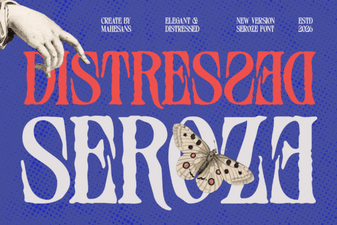 Distressed Seroze Font for Rustic Design Projects
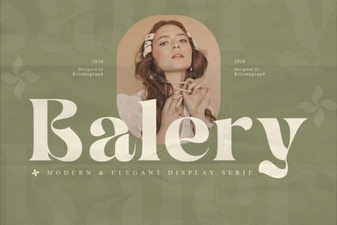 Balery Font: Elegant Scripts for Creative Projects
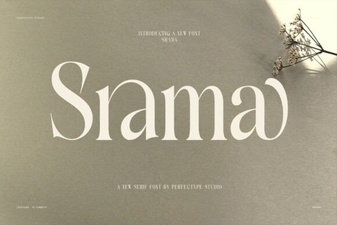 Srama Font Designs & Project Ideas
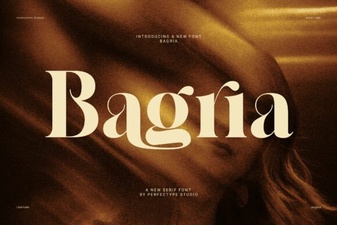 Bagria Font: Versatile Design for Modern Projects
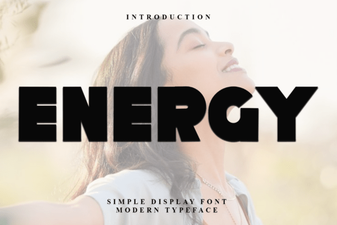 Creative Project Ideas Using Energy Font
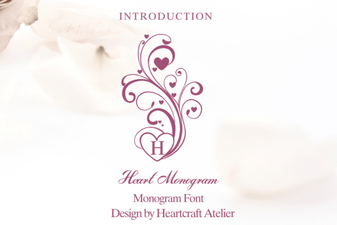 Sweetheart Monograms: Fonts for Custom Gifts